- Select UV Stickers Transfers by Size
- Upload Your Custom Design.
- Choose Any Quantity.
If you add multiple items to your cart, they will be printed on to a single sheet.

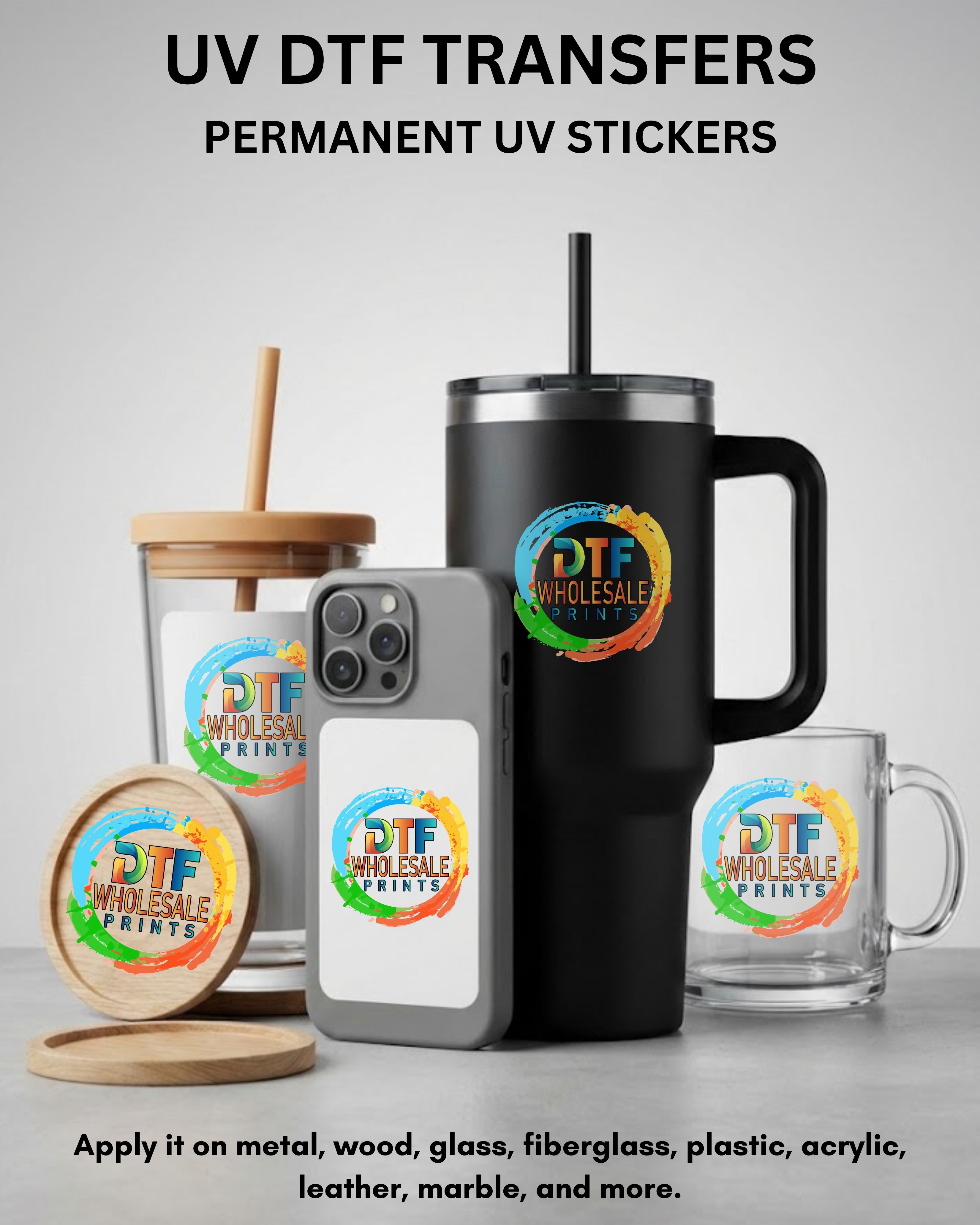
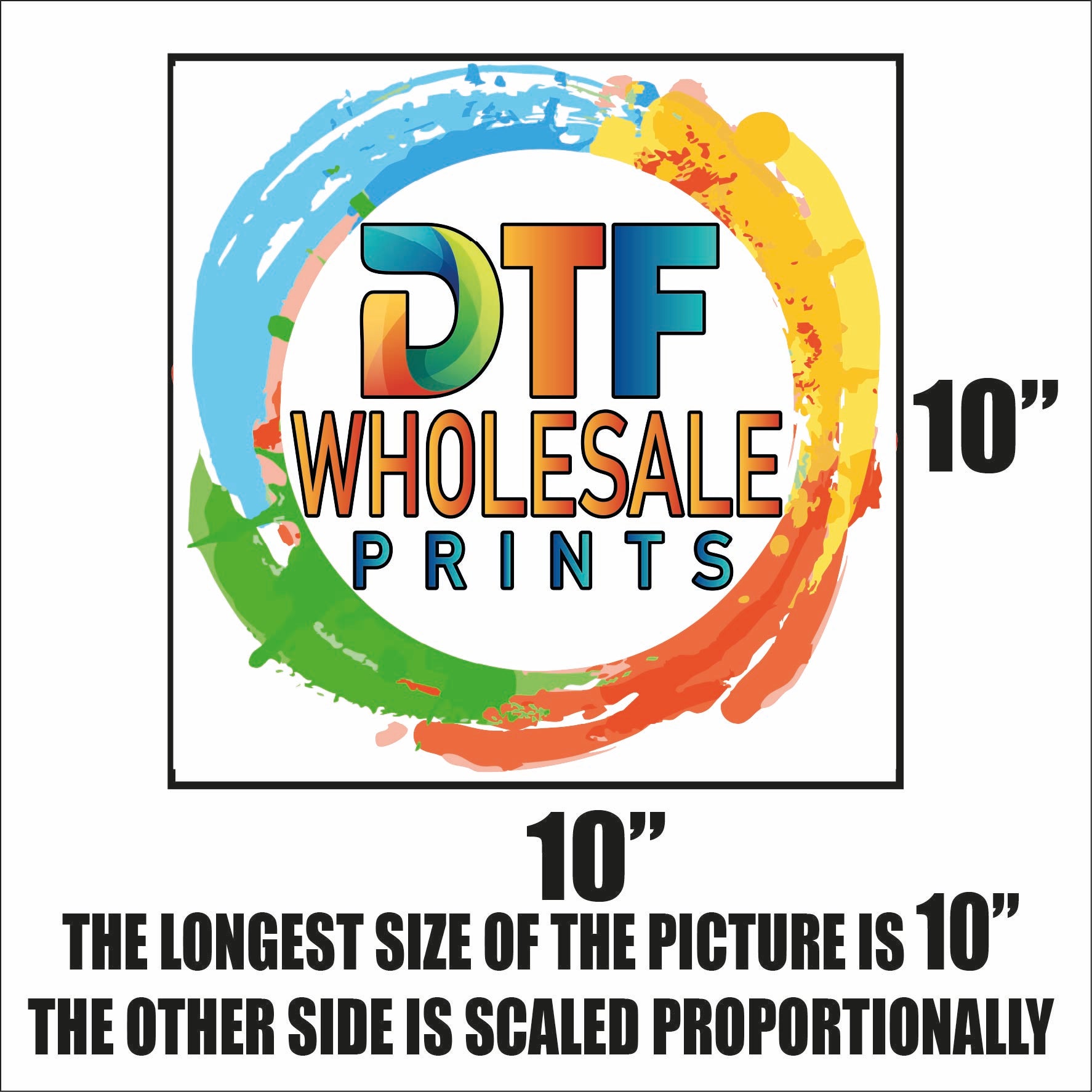
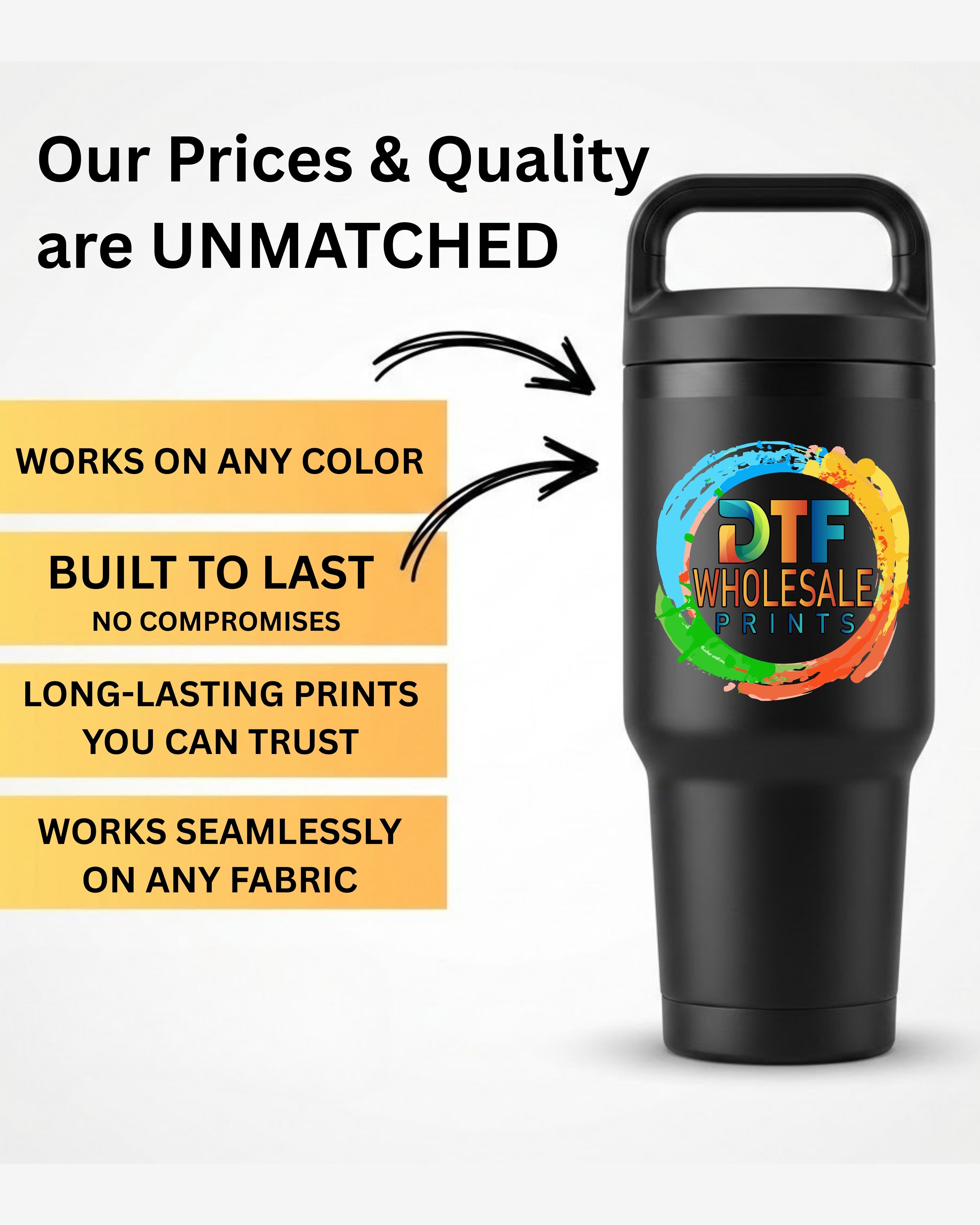
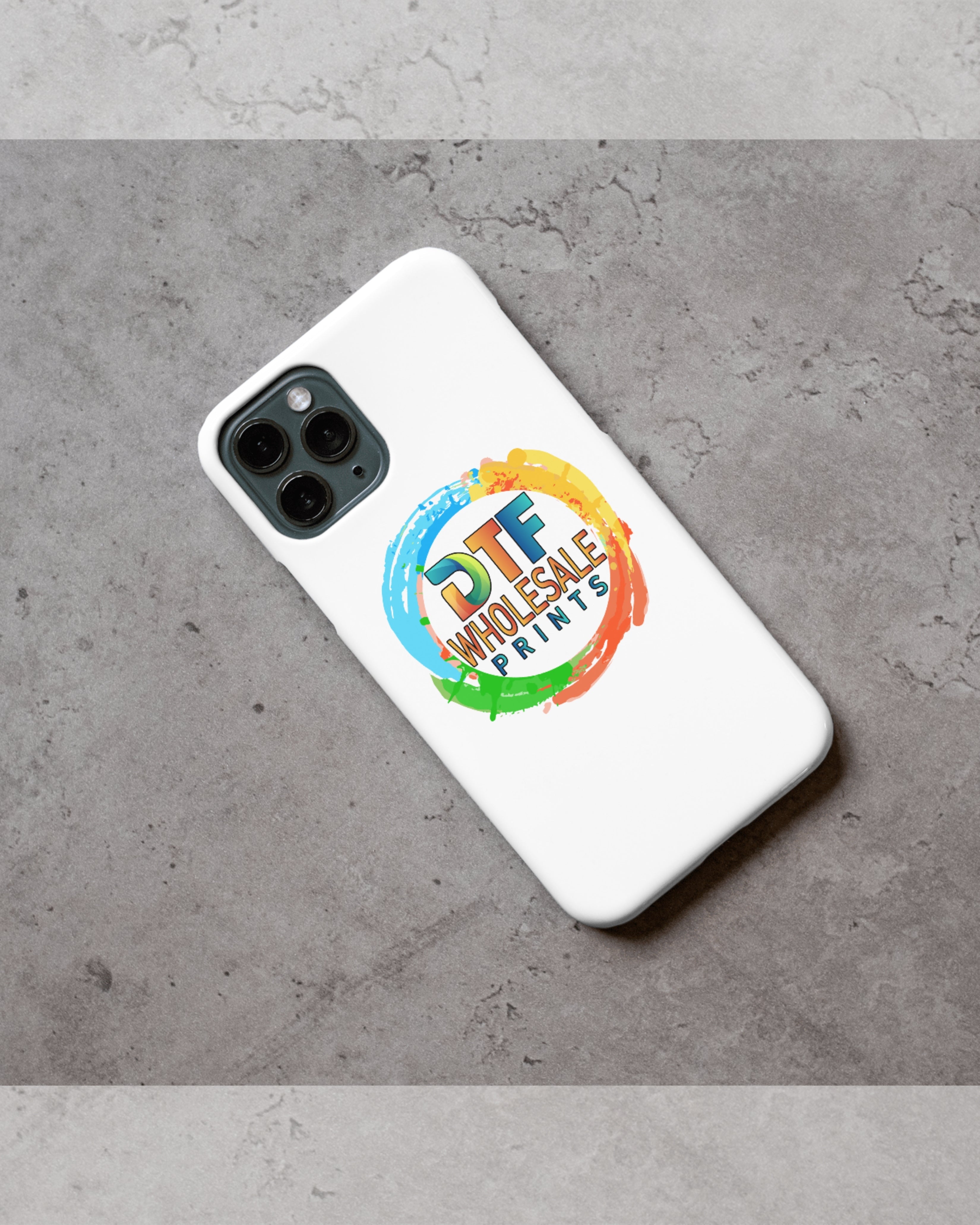
Follow these simple steps to get the best results with your new design.
To ensure your puff print stays raised and vibrant:
DTFworks Direct to Film Transfers
All orders will be printed on a direct to film material using our printers and the best quality inks. We will handle the entire production while carefully using the highest grade materials to ensure that the transfers can be pressed in the smoothest manner.Our DTF Transfers can be transferred onto all clothing garments without issues, ensuring the best heat transfer method for a variety of needs. All images ordered will be combined onto a single sheet for your convenience and our team can also help with separating the transfers from this sheet if you prefer the pre-cut option!DTFSheet DTF Transfers has a quality guarantee and are safe for washers, ensuring there's no bleeding or cracking.
Preferred File Formats:To achieve the best results, we suggest uploading your designs in their original file format. We recommend using PNG, SVG, AI, or PDF files for their superior compatibility and quality retention. We will be able to print ANY image file type, although quality may differ.
Background Requirements:Ensure that your design files have a clear or transparent background. This helps in maintaining the integrity and sharpness of your design during the printing process.
Design Orientation:There is no need to mirror or alter the orientation of your design before uploading. Our advanced printing technology automatically adjusts the orientation to ensure your design is accurately represented in the final print.By following these simple steps, you can expect prints of the highest quality, reflecting your design just as you envisioned.
Choose options